Email Marketing
Email marketing is a powerful tool that requires strategic planning, brand alignment, and consistency to ensure success.
The following best practices and resources have been established to guide the development of your email marketing and communications to internal and external audiences.
These guidelines do not apply to emails sent between colleagues, faculty and student correspondence, or individual daily messages—they are intended for official mass email communications sent on behalf of Johns Hopkins University and its divisions, departments, centers, institutes, etc.
Email Campaign Management Platforms
Johns Hopkins University does not currently offer a university-wide platform solution for email marketing. Instead, we recommend choosing an email campaign management platform, such as Emma, MailChimp, Campaign Monitor, Brevo, or Constant Contact, to meet your specific goals and audience requirements. These systems allow you to design your emails following brand guidelines and digital accessibility requirements, and track analytics.
Review each platform’s plans and pricing with your audience size, monthly email sends, and number of users in mind. Please consult your division or department’s Brand Ambassador before deciding to see if there is a preferred platform or department-wide account you can join.
Best Practices
Accessibility
Email accessibility is not only a best practice, but also a requirement based on the WCAG (Web Content Accessibility Guidelines) 2.1 standard at Level AA. Johns Hopkins’ Digital Accessibility website includes important tactics for making your emails accessible and points to additional resources from popular email campaign management platforms.
Here are a few accessibility tips, with the brand guidelines in mind:
- Choose easily readable fonts (sans-serif is best) at least 12 points in size. Tahoma is the recommended brand system font.
- Avoid using graphics in the main body of your email. Your headlines and body copy must be typed to ensure everyone will be able to read the message. Follow the design and template recommendations below.
- If including, all decorative graphics and informational images must follow brand guidelines for color, typography, logos, etc. Alternative text descriptions are required for informational graphics. Decorative graphics can have blank ALT text.
- Make sure your email signature is readable and avoid script fonts. Use the JHU email signature generator to create a branded and accessible sign-off.
- Make links and button text descriptive, such as “Register for XYZ Event” instead of “Click Here.” Recommended link and button styles are defined below.
Design & Layout
Keep your email design and layout consistent so your audience knows what to expect and trusts the email as an official communication from a Johns Hopkins University entity.
Custom email designs are welcome, but should follow these general guidelines for brand alignment:
- Include an official Johns Hopkins University logo or lock-up in the email header and/or footer. Identify your department clearly in text if a lock-up is not used. Remember to provide alt text for all logos.
- Rely on colors from the brand palette, making sure to include Heritage Blue (#002D72)—it works best as a font color for headlines or email header background color. White (#FFFFFF) is recommended for the body content area background. Remember to refer to color contrast for accessibility.
Branded Templates
Ready-to-use branded email templates are available upon request for Mailchimp users. For access, email [email protected]. Use of an official JHU brand template is not required. Consult your Brand Ambassador regarding access to division or department-specific templates.

Basic Template
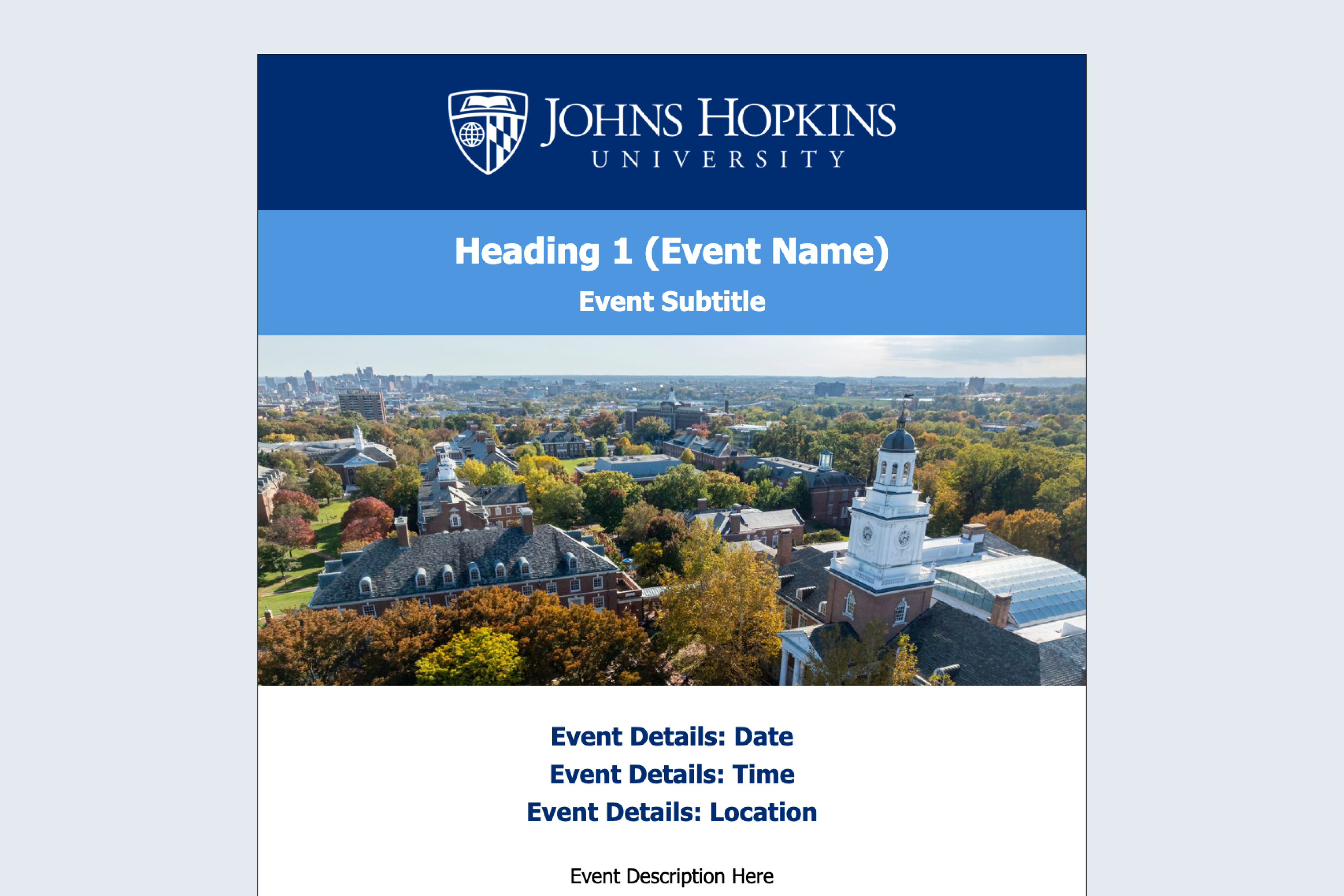
Event Invite Template
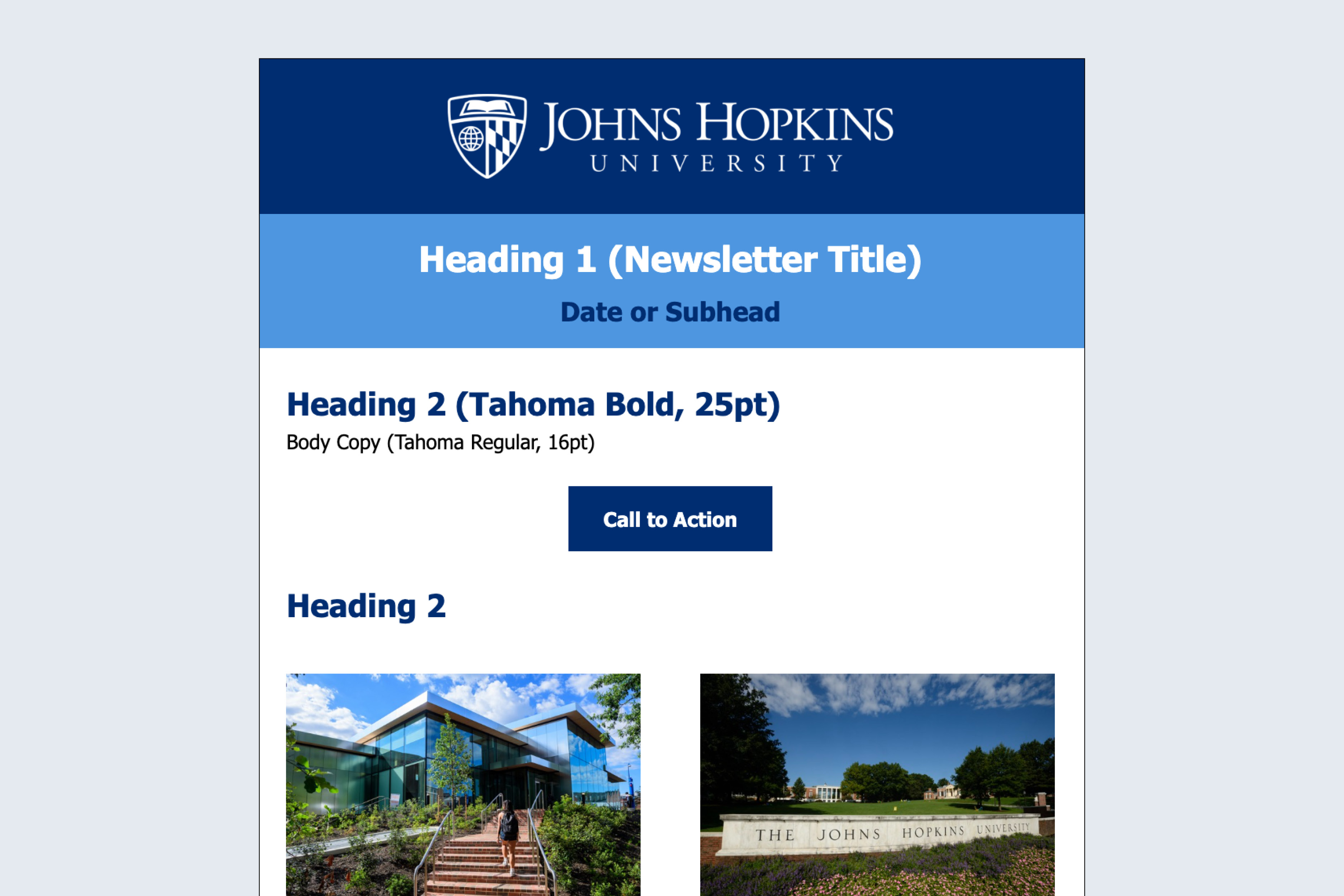
Newsletter Template
Build Your Own Template
If you’d like to build your own versions of the branded templates, follow the general specifications below.
Header
Clearly identify your email as an official communication from a JHU entity. Your email header may consist of a few parts:
Logo
Heading 1
Image
Body
There are many components that can make up the body of your email, depending on your content needs. Follow these guidelines as needed:
Background
Typography
Hyperlinks
Images
Section Dividers
Buttons
Footer
Your email footer is a great opportunity to reinforce the Johns Hopkins brand and reminder readers how to get in touch.